







New Computer Volume Control Switch Universal Desktop Laptop USB External Extension Cable Volume Adjuster

FAIR SHIPPING

14 DAYS RETURN

24/7 SUPPORT

QUALITY CHECKED
You’re now subscribed to price tracking for this product. We’ll notify you if the price drops.
Request a custom quote for your order, and ask about available discounts.
 Your name (*):
Your email address (*):
Your name (*):
Your email address (*):
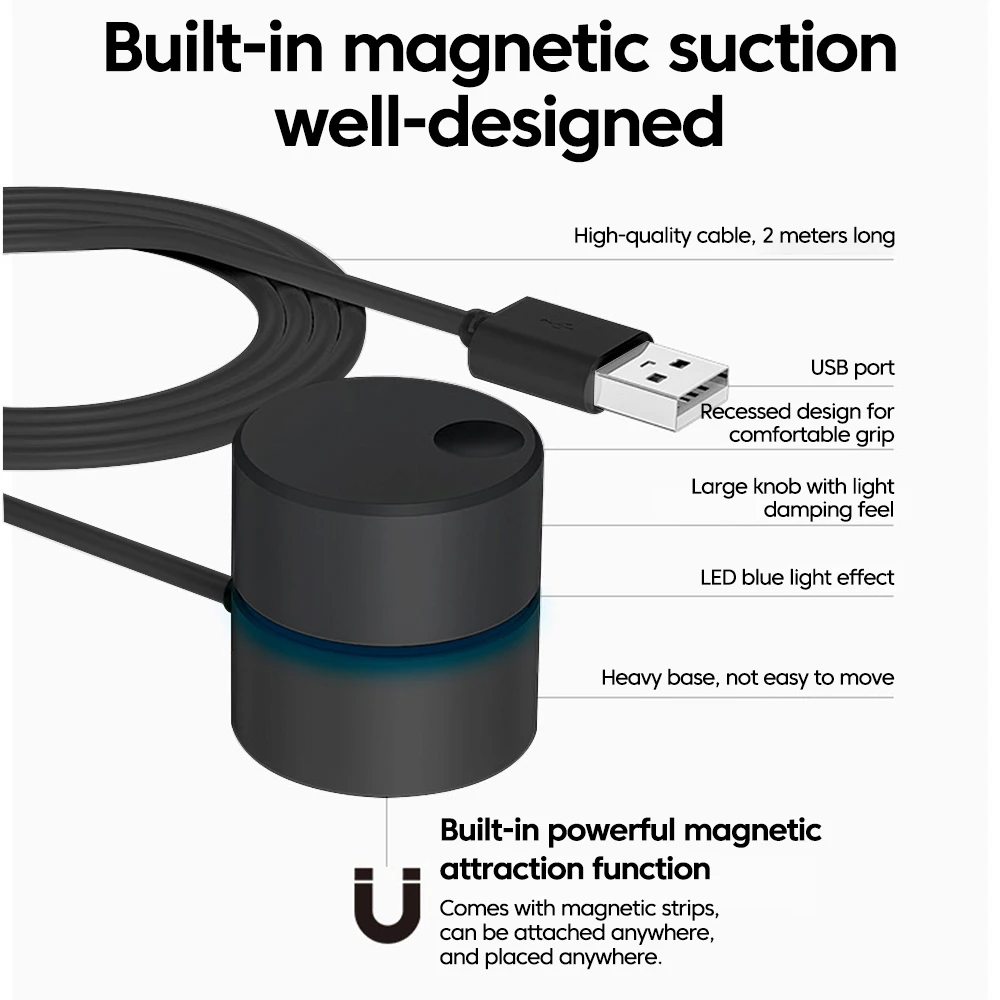
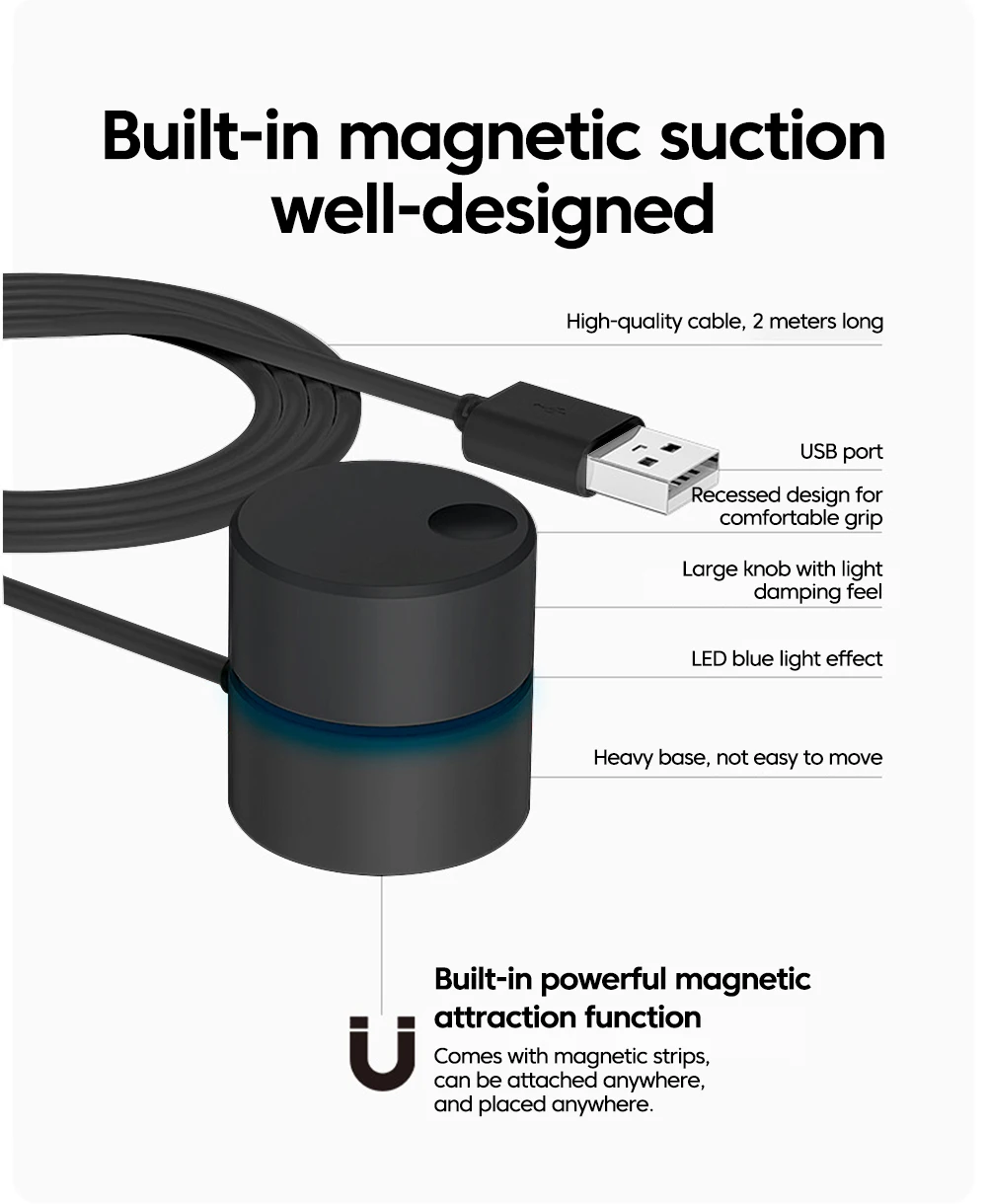
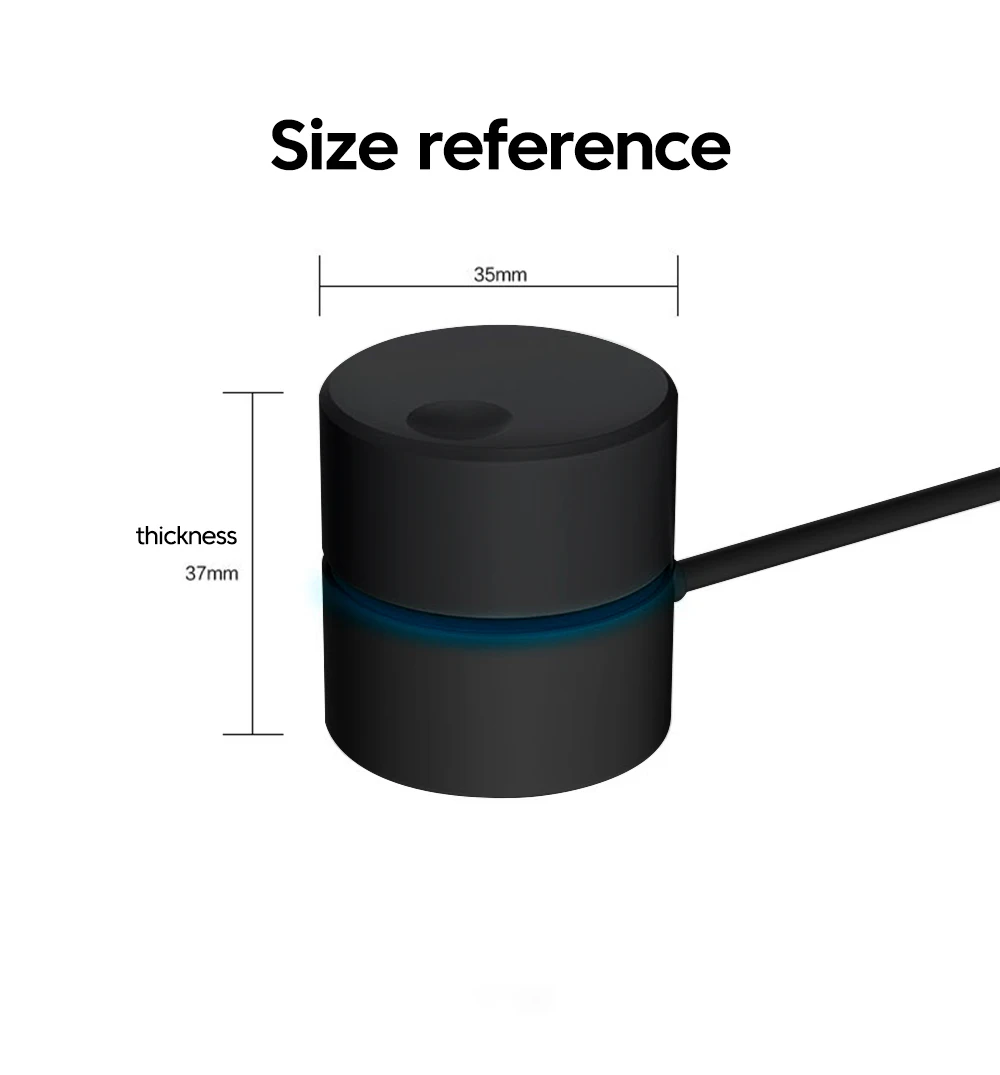
Equipped with a 2-meter USB-C data cable, the product has a magnetic suction function at the bottom and comes with a magnetic lead
1. What is this?
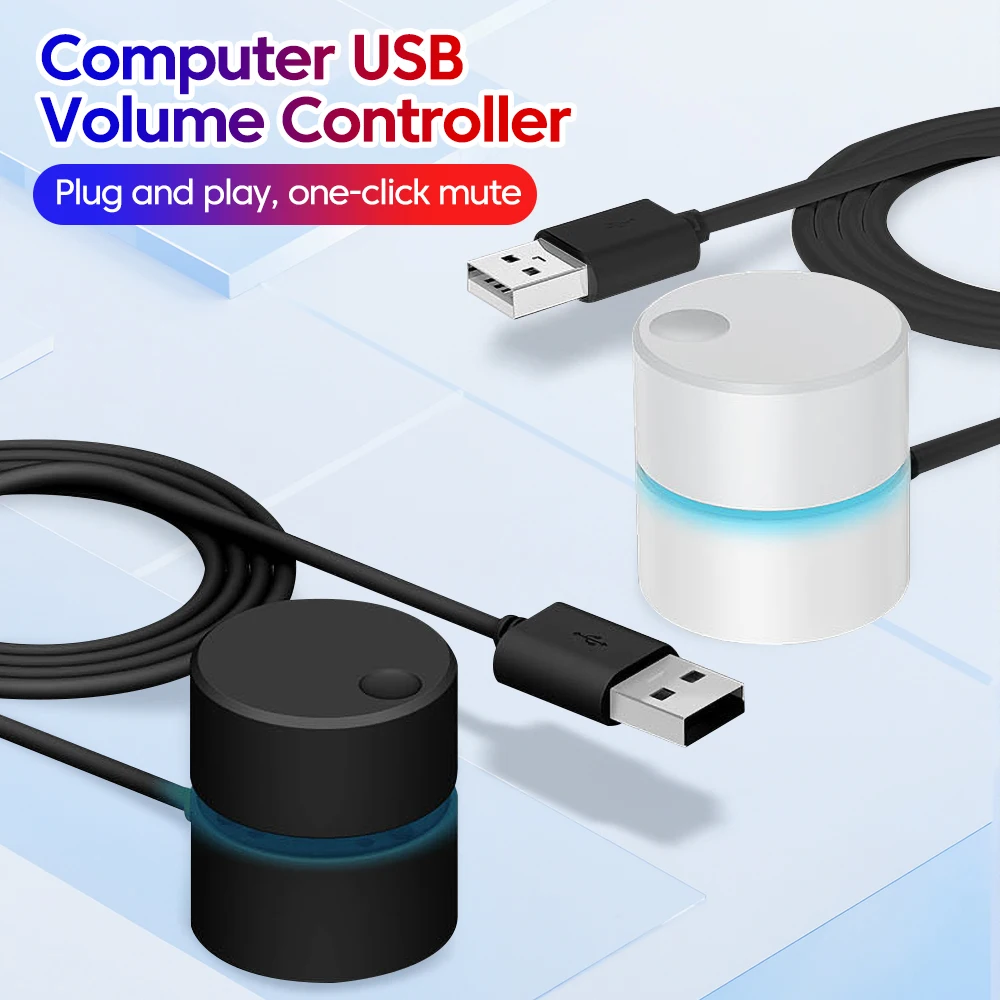
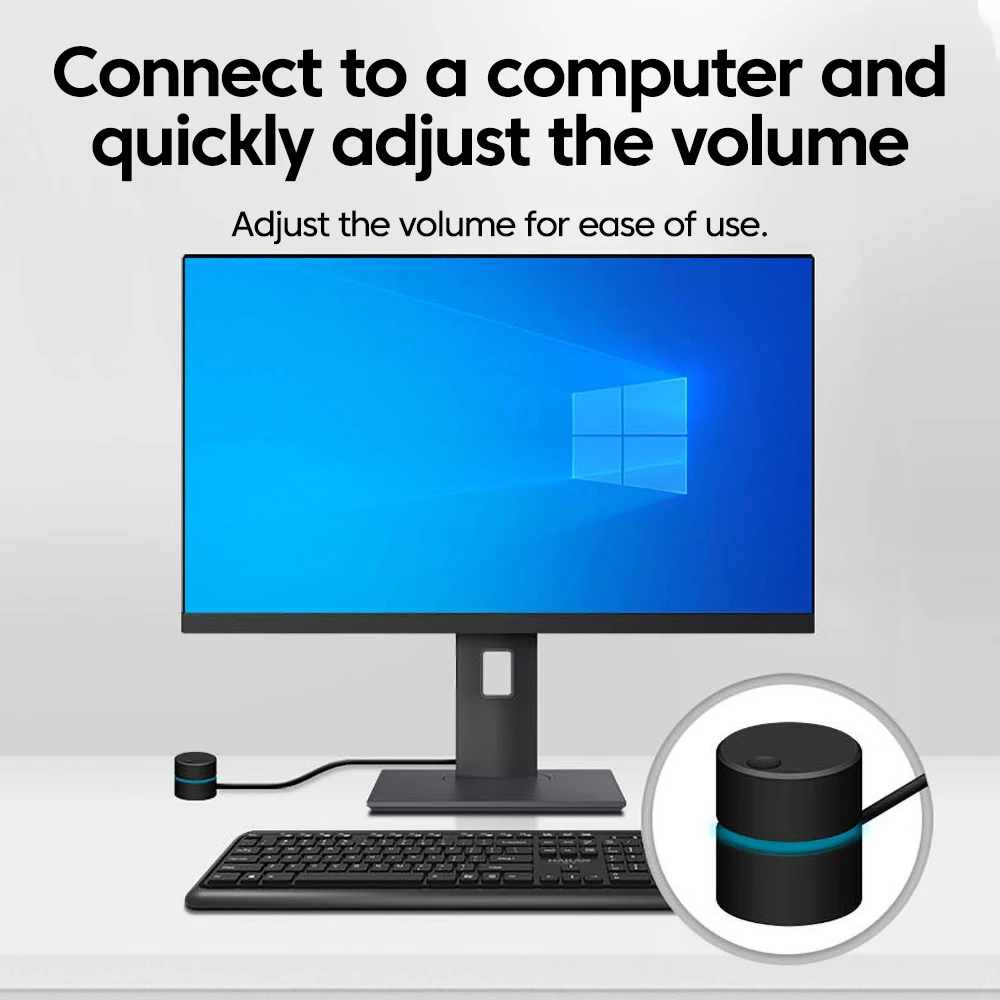
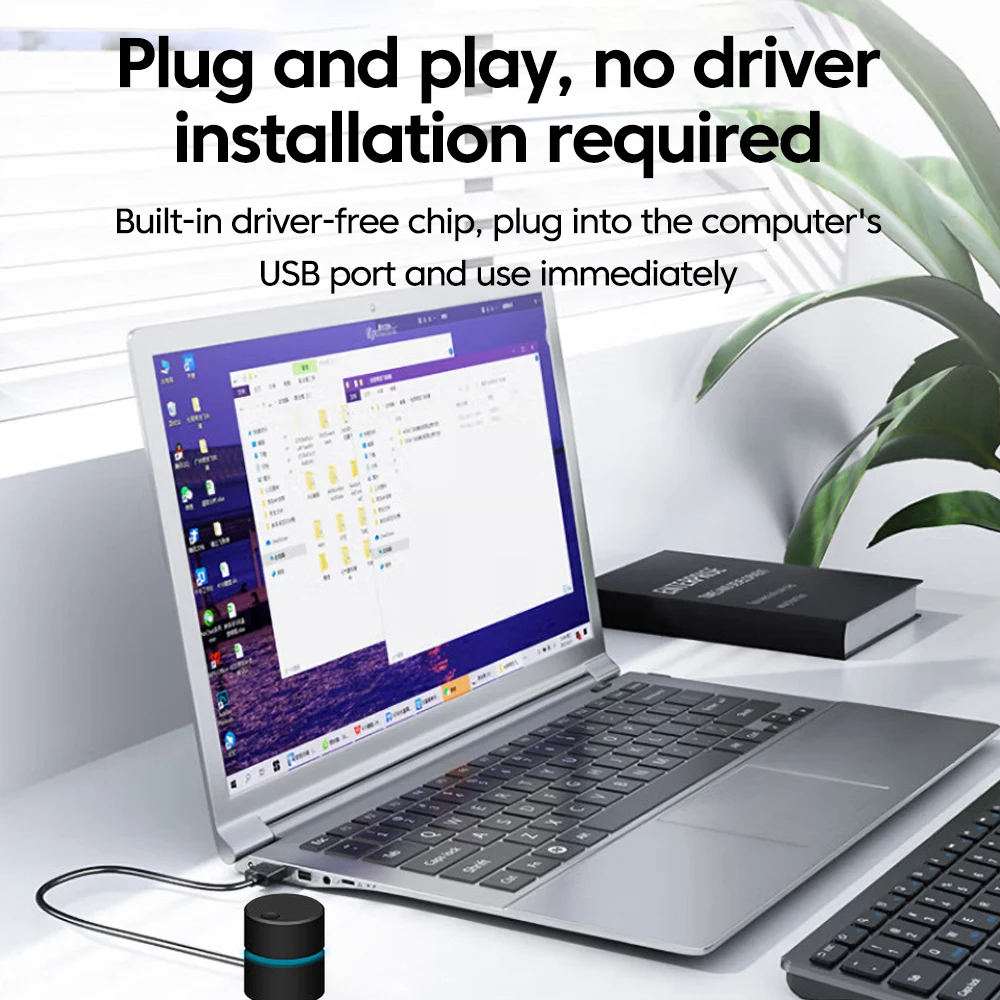
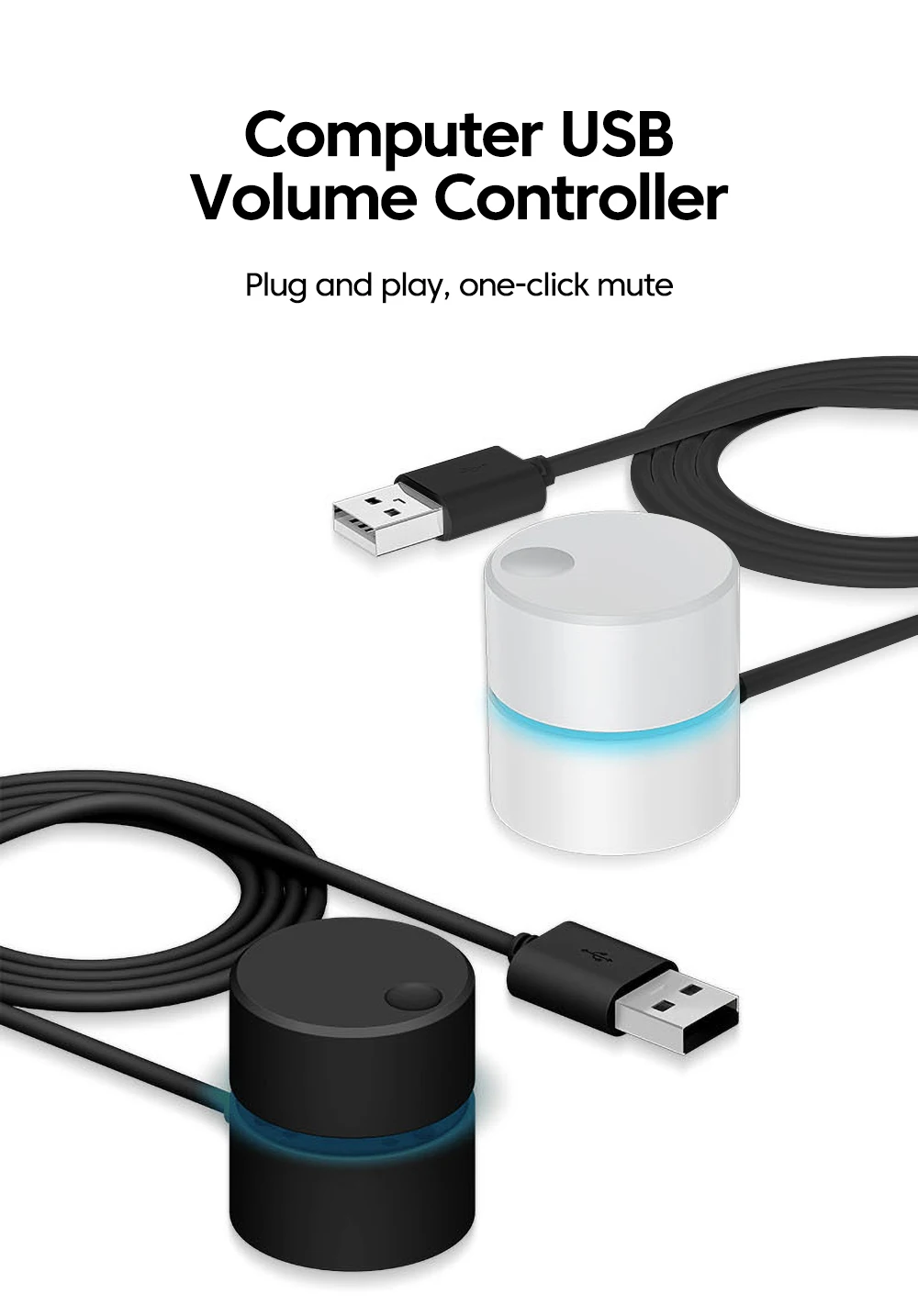
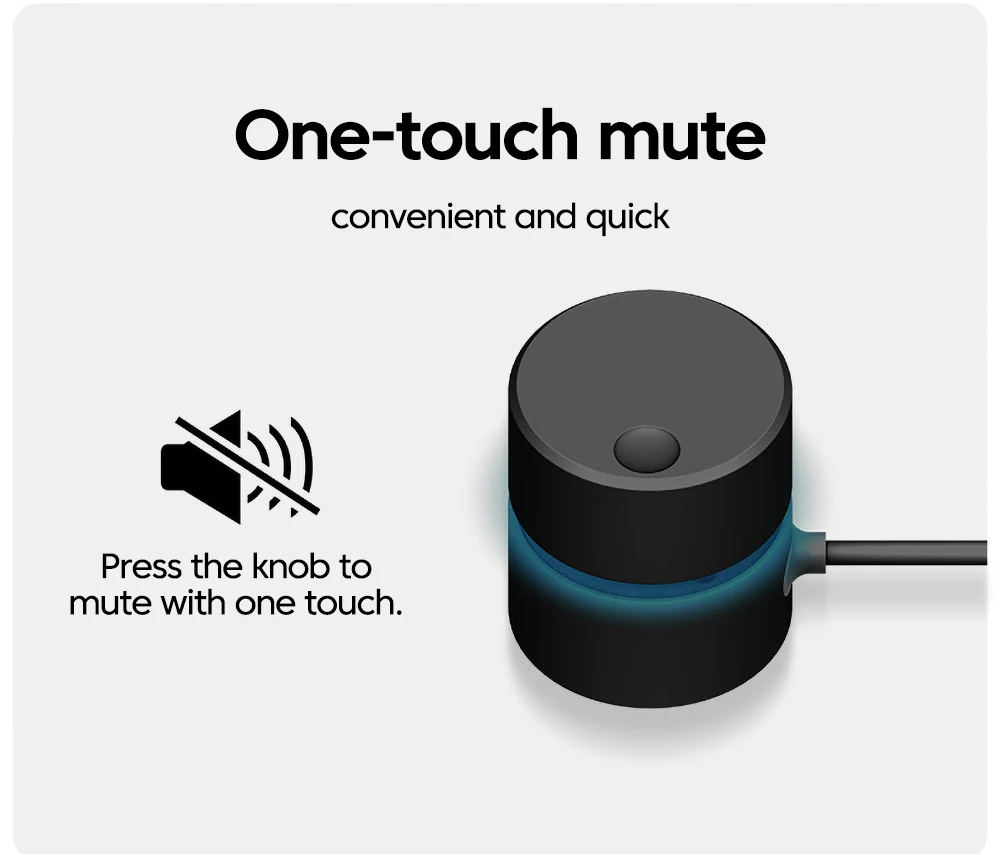
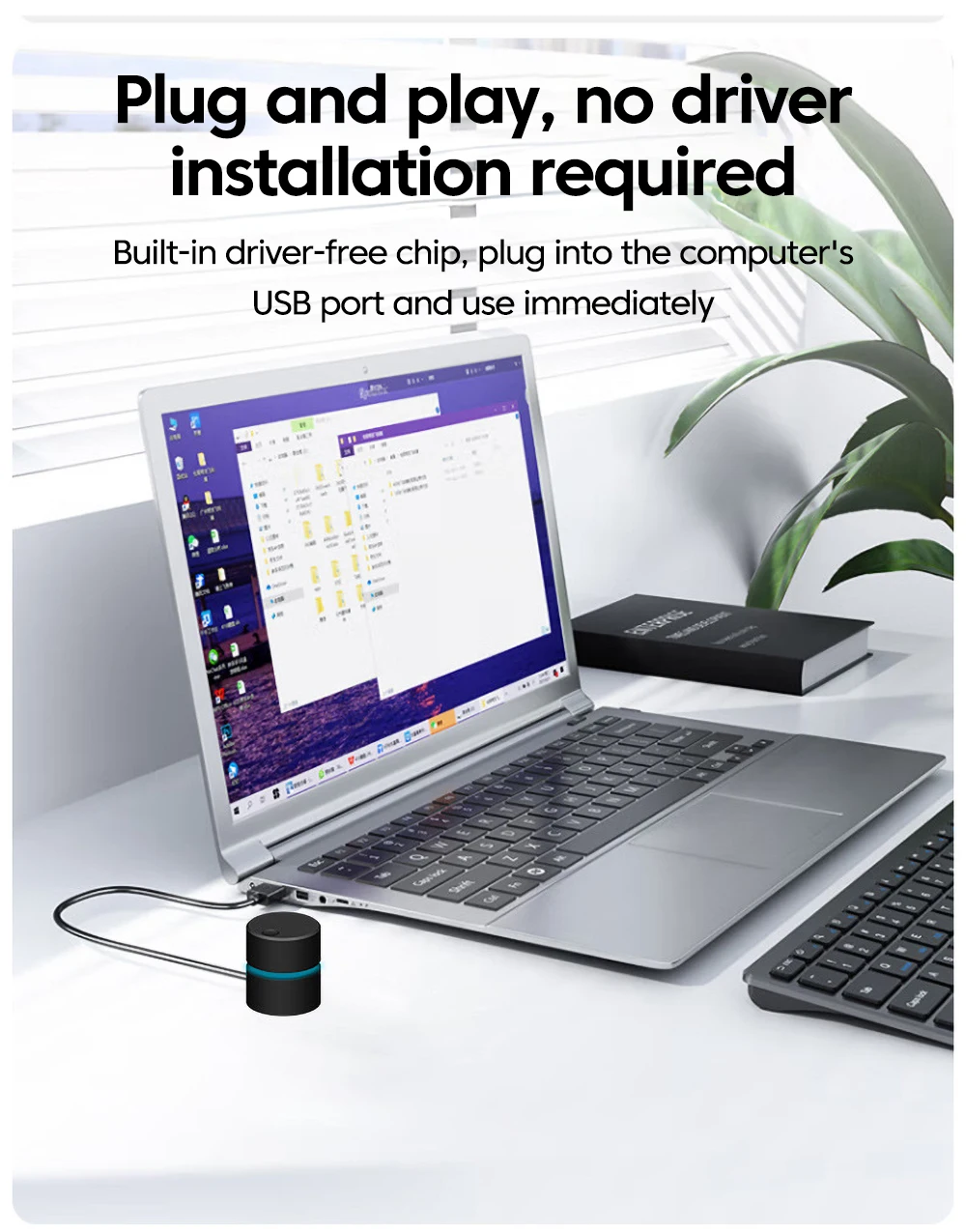
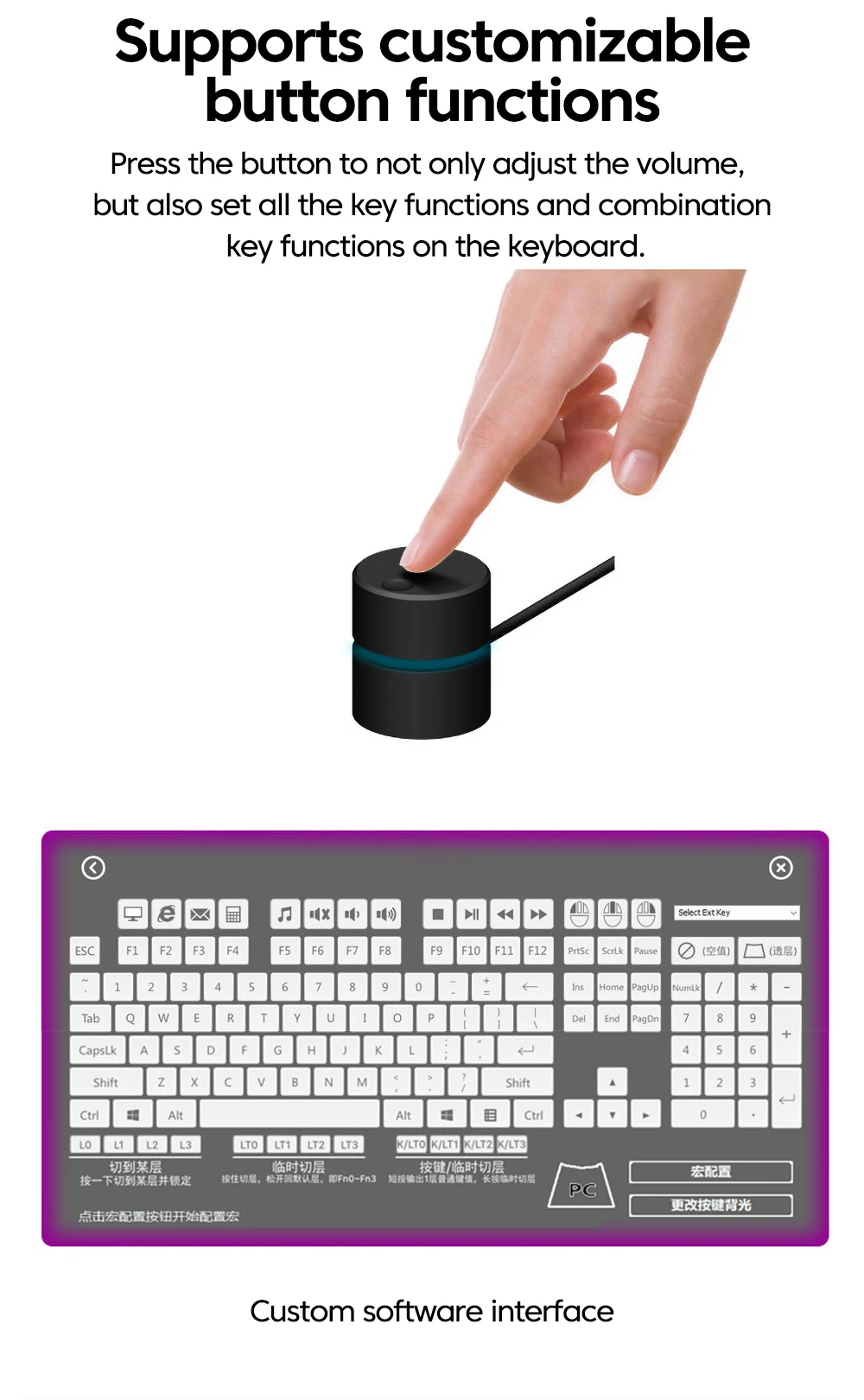
This is a computer volume control. Its design is simple, the workmanship is exquisite, and it is easy to use. It can be connected to a computer through USB without the need to install drivers, plug and play, eliminating the hassle of adjusting the volume with a mouse, and supporting one click mute.
2. Can all computers be used?
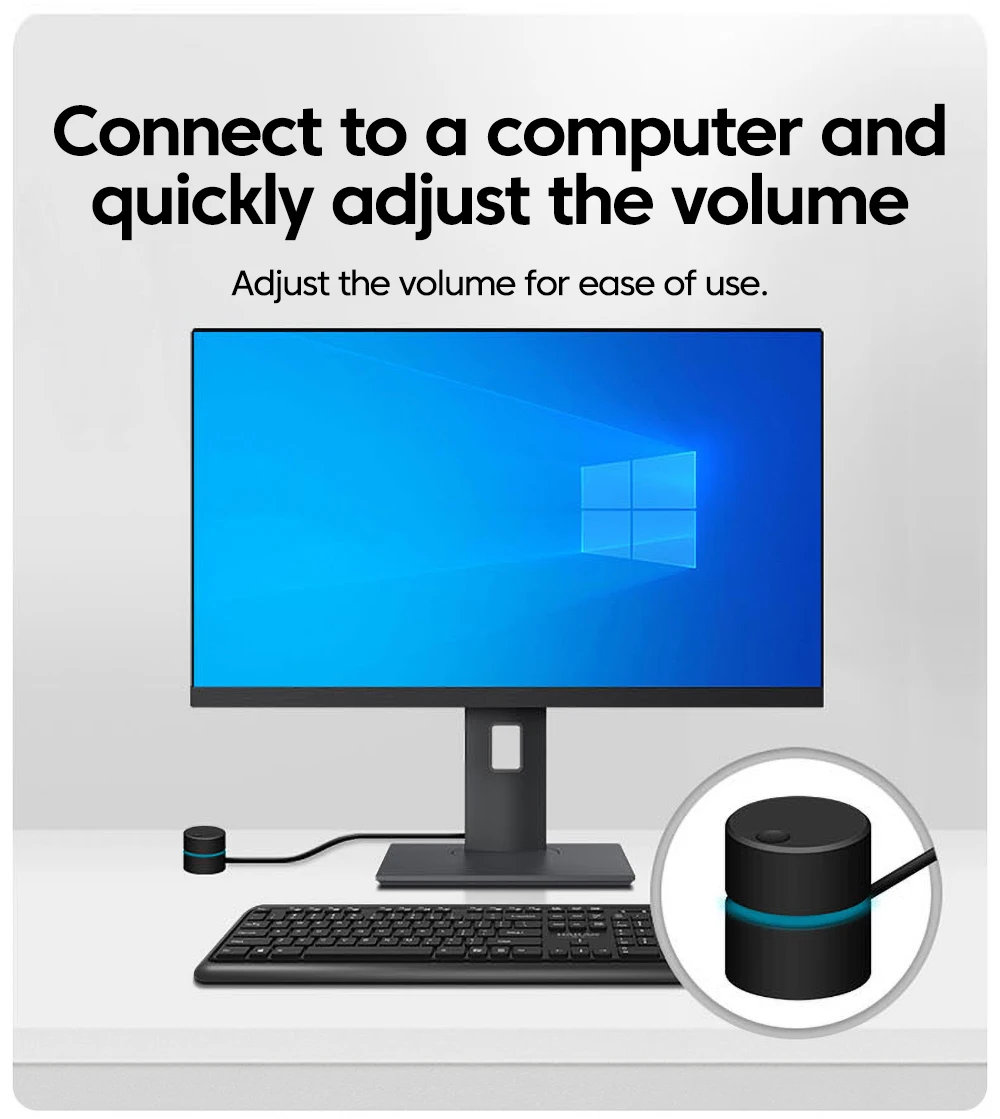
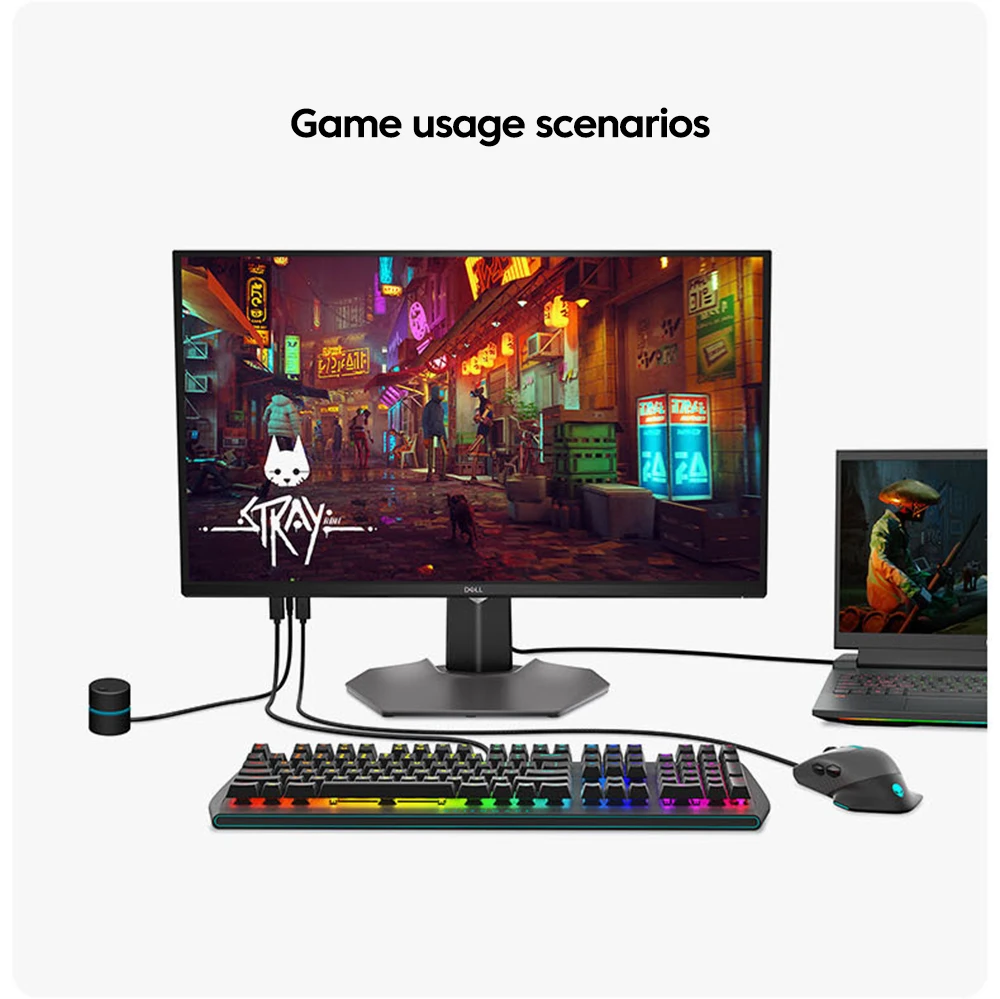
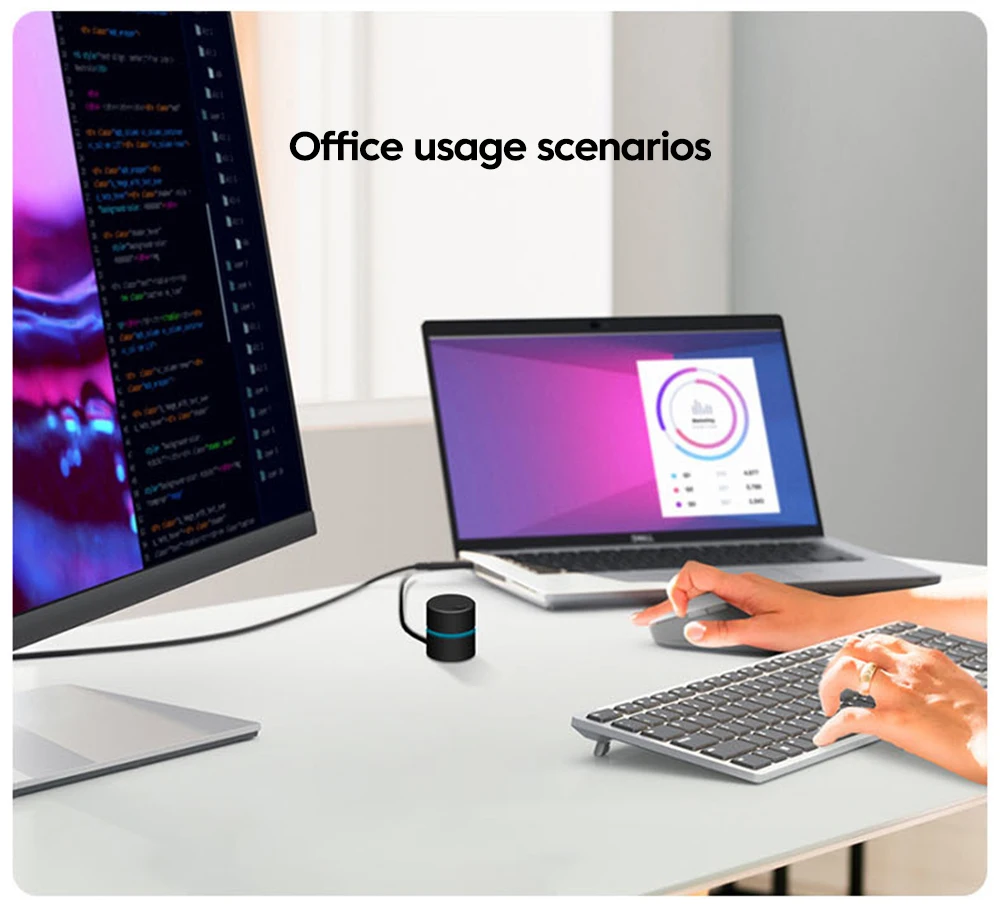
yes. Support desktop computers, all-in-one computers, laptops and other computer products.
3. Do I need to install drivers? What systems are supported?
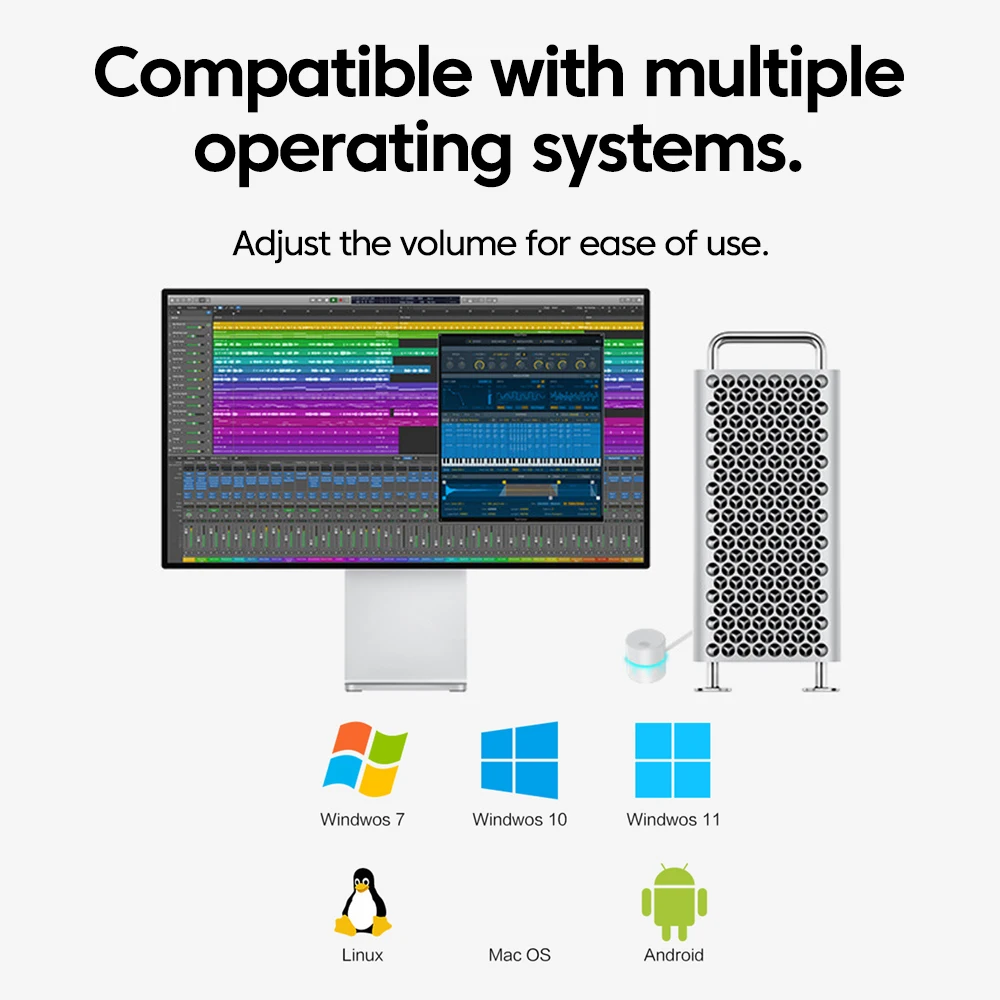
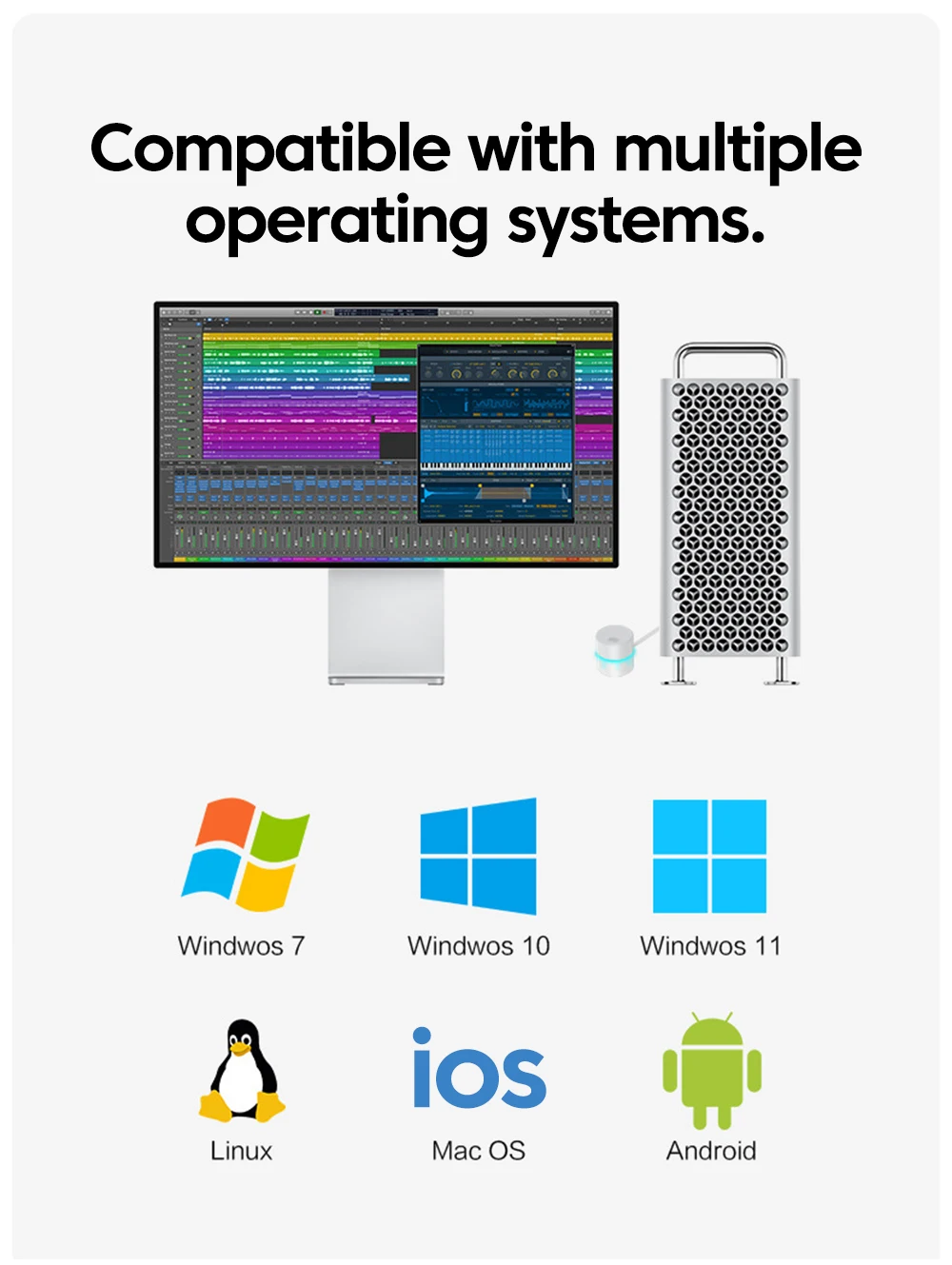
unwanted. No installation of drivers, plug and play. Supports systems such as Windows, MacOS, Android, Linux, etc.
4. How to use the product?
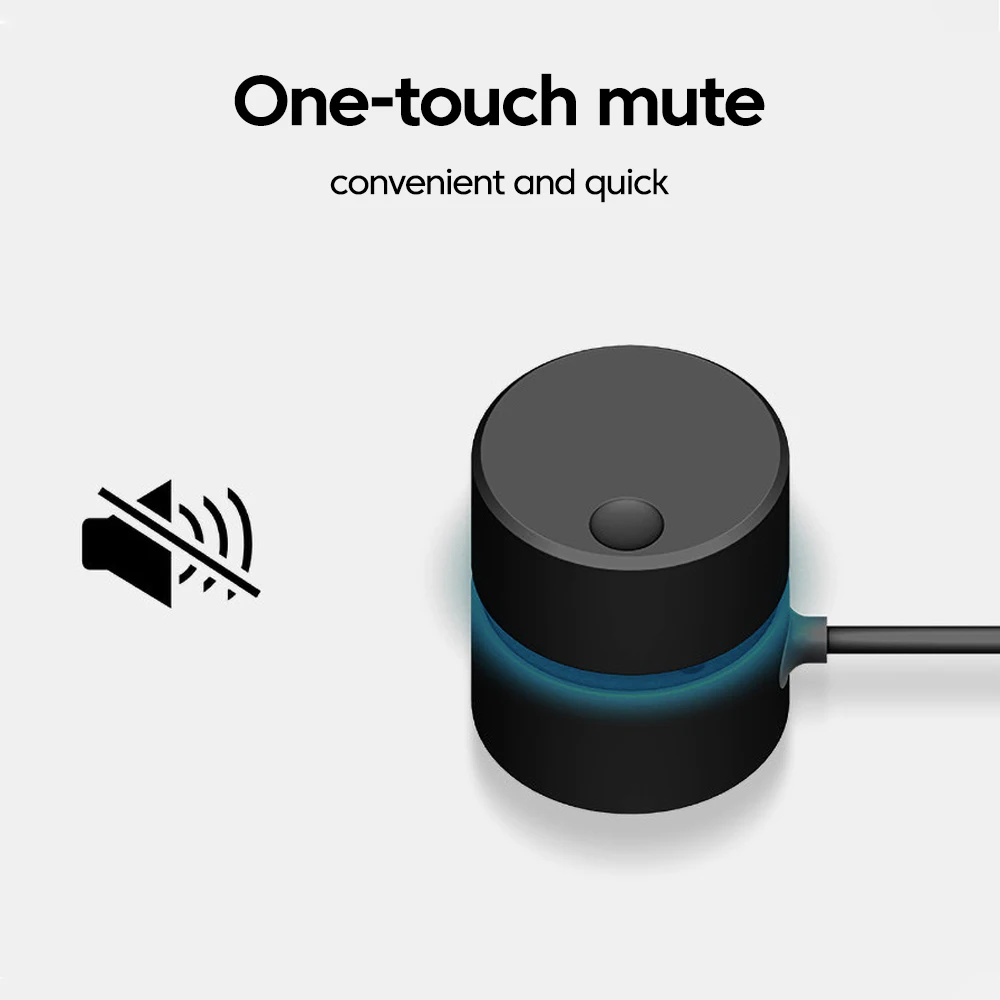
Simply plug it into the USB port of the computer to use. Turn up the volume clockwise and down counterclockwise, press down to mute with one click, press again to unmute, convenient and fast.

| Color | white |
|---|---|
| High-concerned chemical | None |
| Package | Yes |
| Type | USB Adapter |
| Certification | CE,FCC,RoHS |
Frequently Asked Questions
No FAQs yet..









Reviews
Clear filtersThere are no reviews yet.